


Features in Detail

Discover the versatile features of Party Sharing App. Make every Event an unforgettable experience, get more out of every moment and enjoy exclusive benefits – all with PSA.

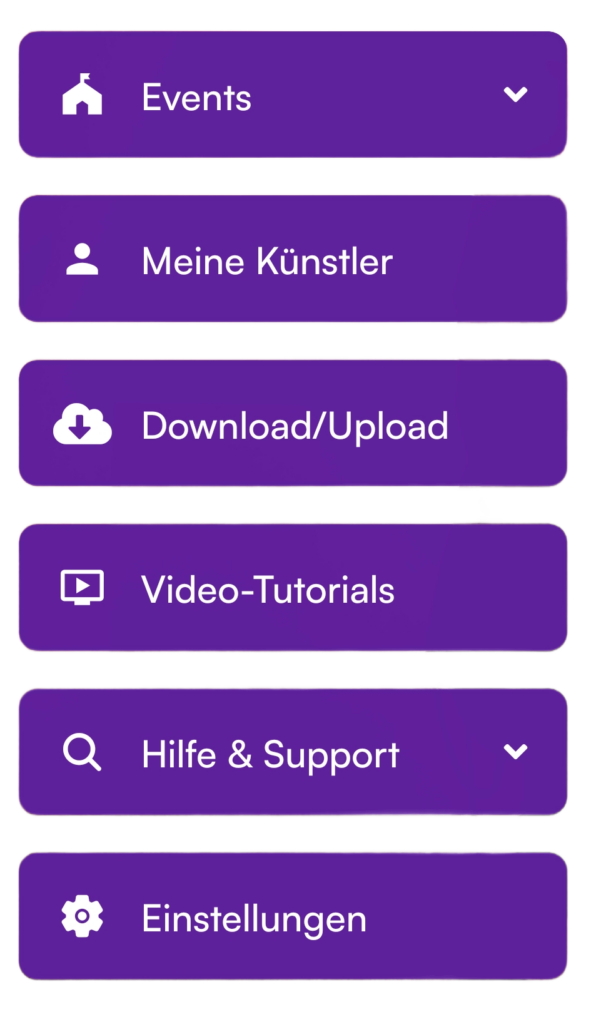
Party Sharing App user side navigation menu displaying profile settings, event management, and app features
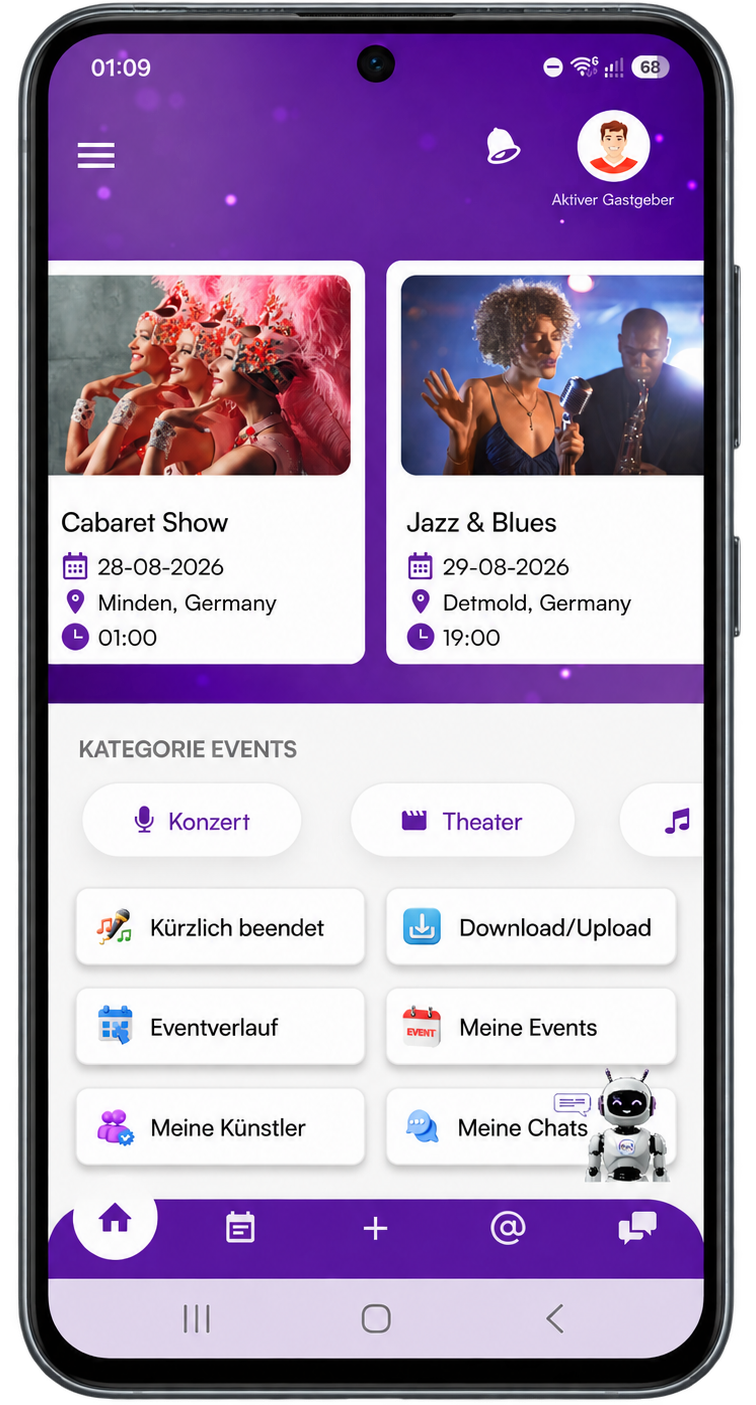
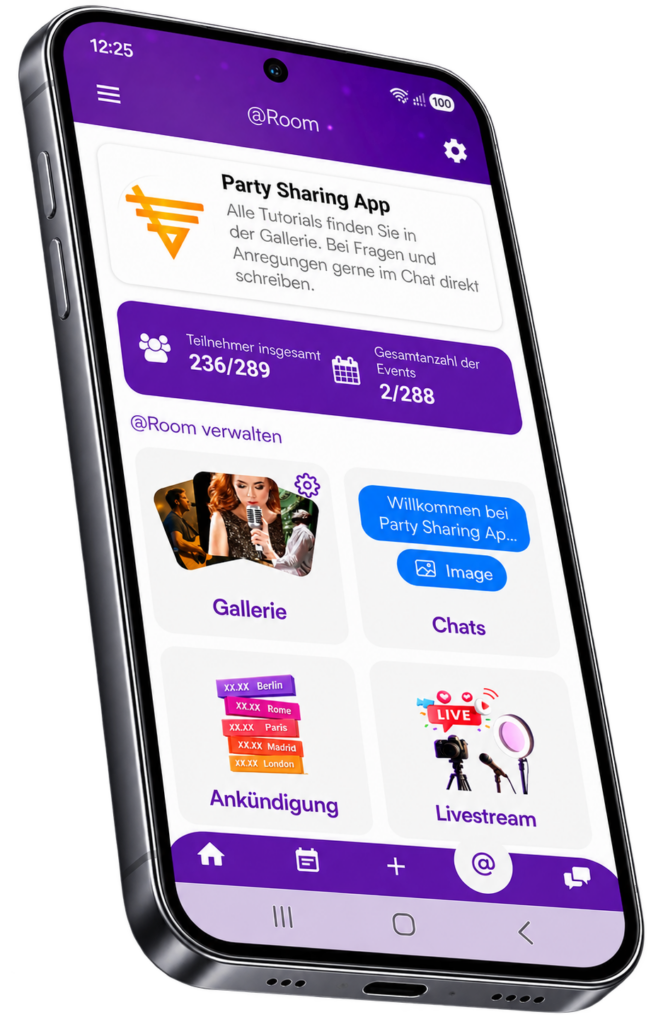
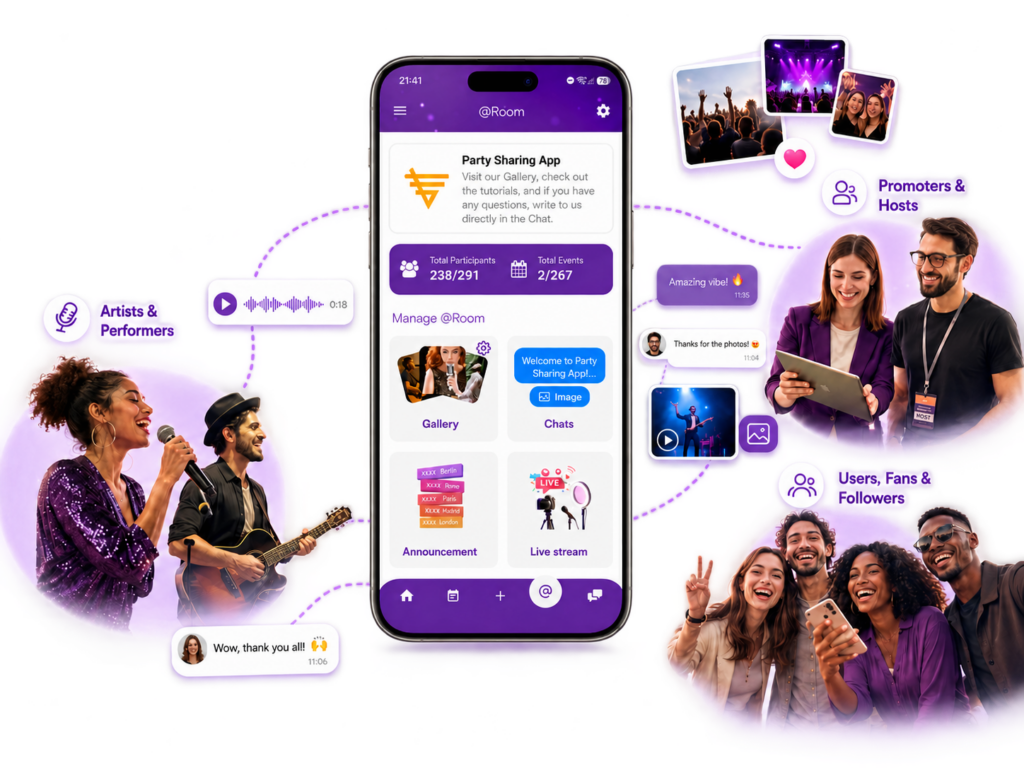
Party Sharing App key functions and features interface showing event gallery tools and user options
Party Sharing App event QR code graphic for fast guest check-in and room access
Party Sharing App event creation interface showing setup workflow and party customization options
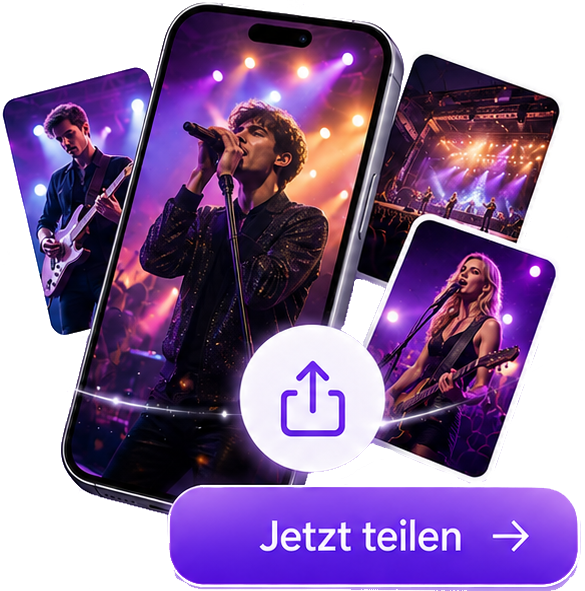
Party Sharing App Share Gallery promotional banner showing smartphone live concert photos with Jetzt teilen button

Scan, Join, Enjoy

Right in the middle of the Event in seconds!

Joining Events becomes effortless. Simply scan your QR Code or use your ticket – and you are in. Experience the Event more intensely, enjoy exclusive media and use special features directly in the App. Just scan, join and enjoy the Event to the fullest.

Galleries & Albums - Innovative & Unique

Media in the Highest Quality

With Party Sharing App Galleries and Albums, you can conveniently view, stream and download photos and videos from your Events. Promoters, artists and photographers can provide professional, high-quality media directly for you – clearly organized in Galleries and Albums.

Enjoy photos and videos directly in the App and download them in original quality. Of course, you can also upload your own snapshots to the designated Galleries and share them with other participants.

This is where special media from your favorite artists meets your own personal Event moments.

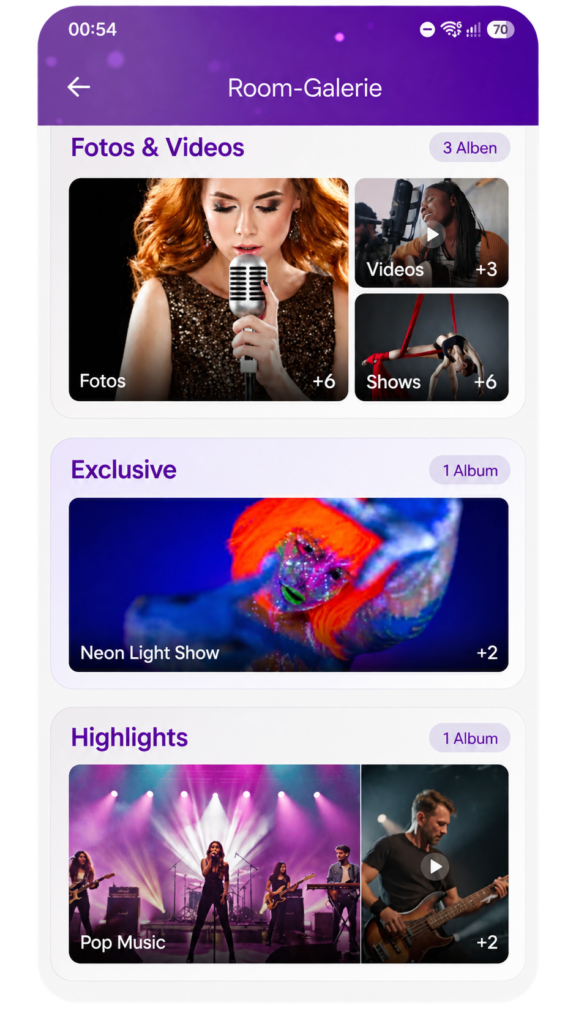
Party Sharing App event gallery albums screen showing organized party photo collections and shared media folders

PSA Share Gallery

Your Media. Your Ranking. Your Share.

Share your best Event photos and videos and become part of the PSA Share Gallery. Collect Likes and valid Downloads, climb the Share Ranking and see which of your media other participants enjoy most.

The more popular your contributions become, the higher your personal Uploader Share Amount can be. Special Event moments gain even more meaning – and your creativity can create additional value for you.

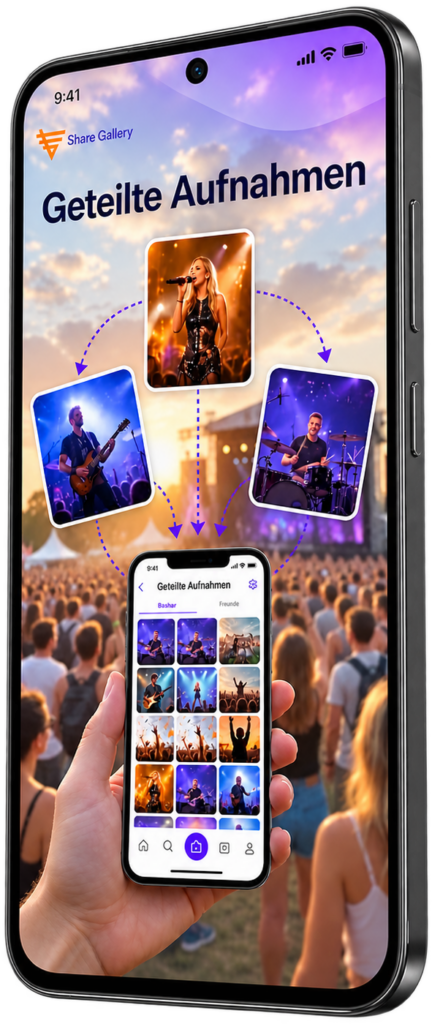
Party Sharing App Share Gallery interface showcase on mobile smartphone displaying collaborative event photo stream

Connect, Share, Celebrate

Where Every Moment Has a Voice!

Our dynamic Chat Rooms connect you directly with other participants, artists and promoters. In “My Chats”, you always have an overview of your Event Chats as well as chats with artists you follow. Exchange messages live, receive important updates and stay close to what is happening. Communication becomes part of the Event experience – direct, interactive and right in the middle of it.

Party Sharing App chat room message screen displaying initial welcome instructions and event conversation feed
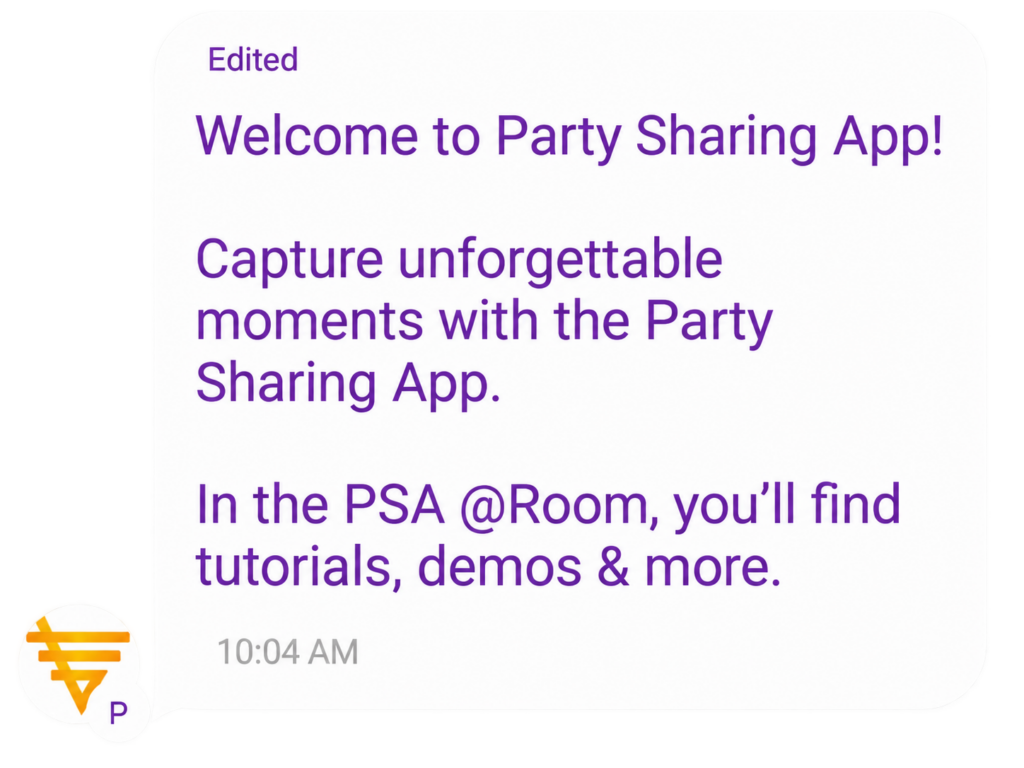
Party Sharing App welcome chat room message displaying capture unforgettable moments banner with PSA Room tutorial info
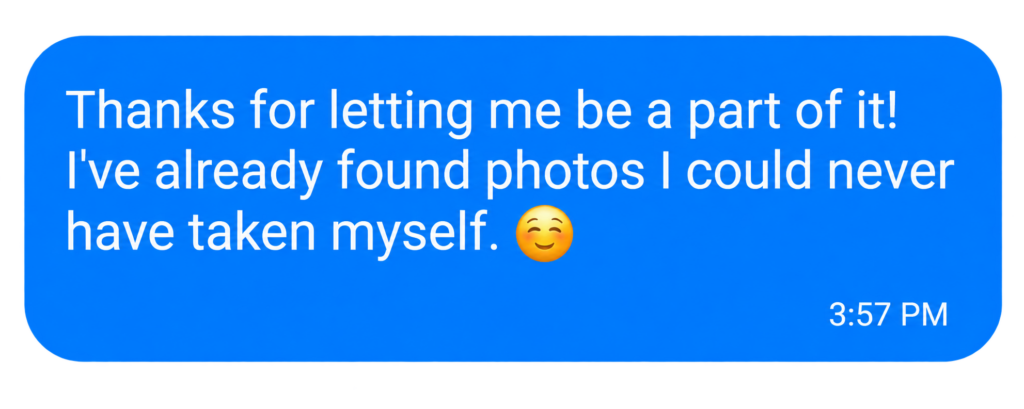
Party Sharing App chat room message screen displaying real-time event conversation and guest interaction
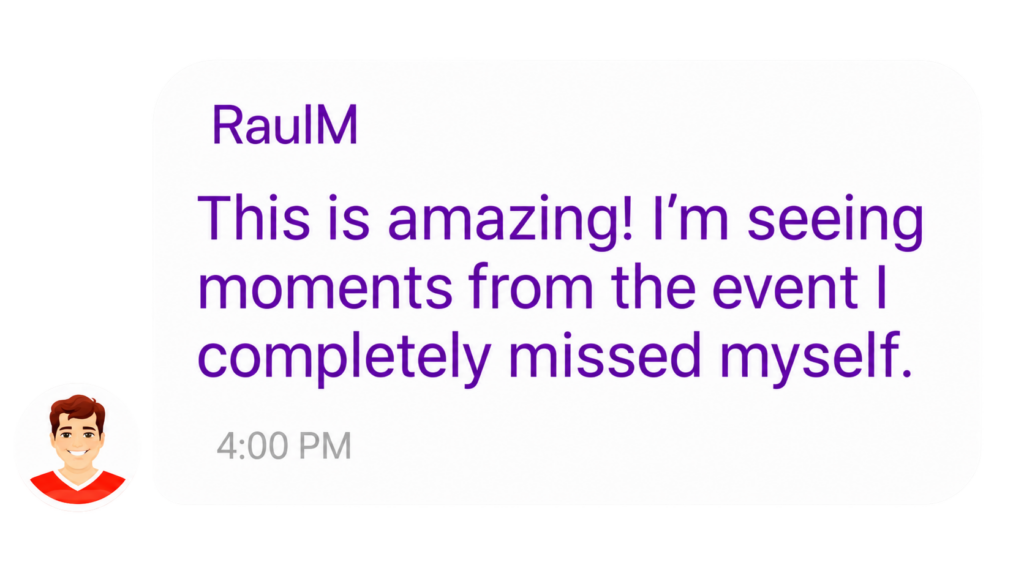
Party Sharing App chat room message view displaying live attendee communication and discussion
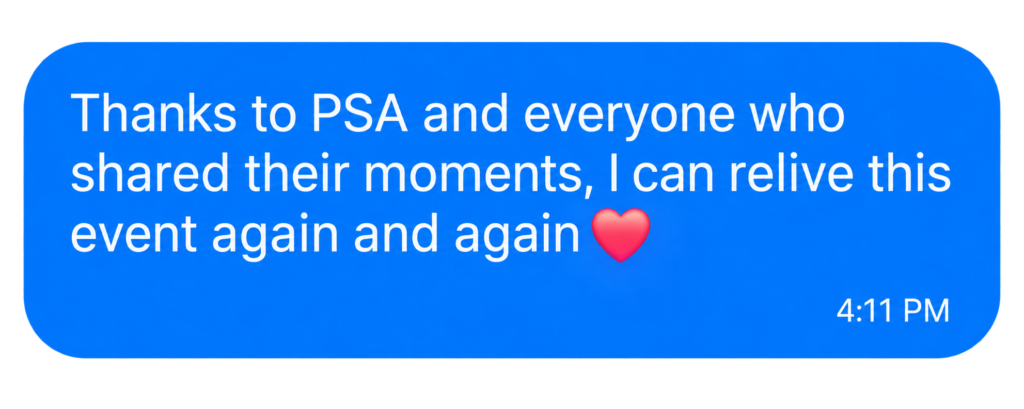
Party Sharing App chat room interface displaying live event messages and guest communication feed
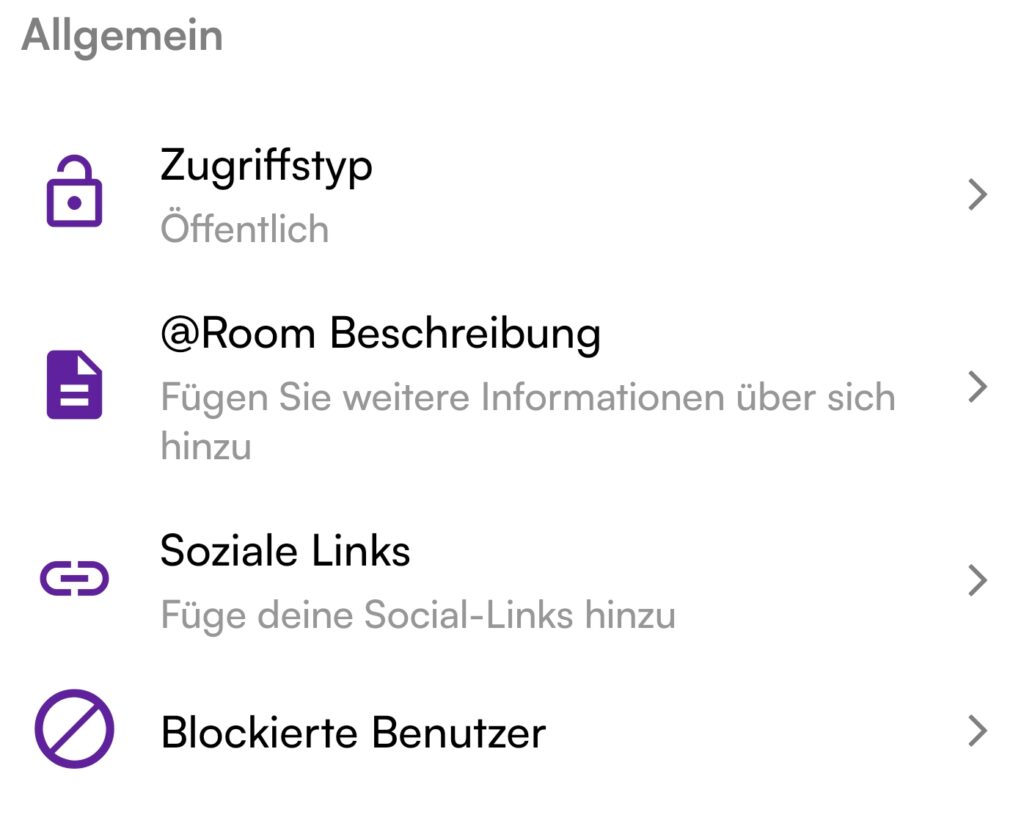
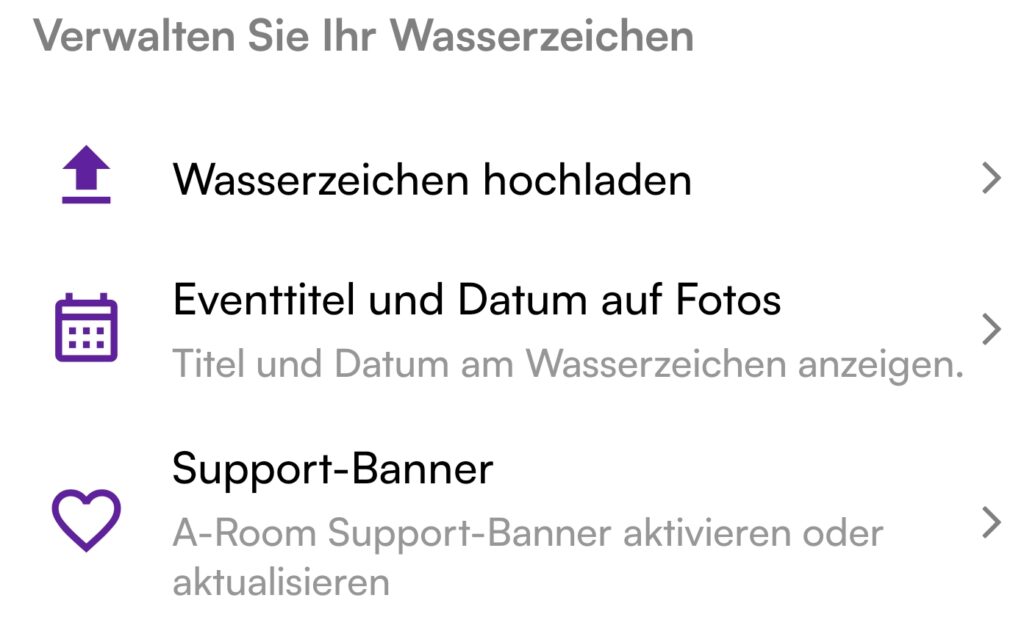
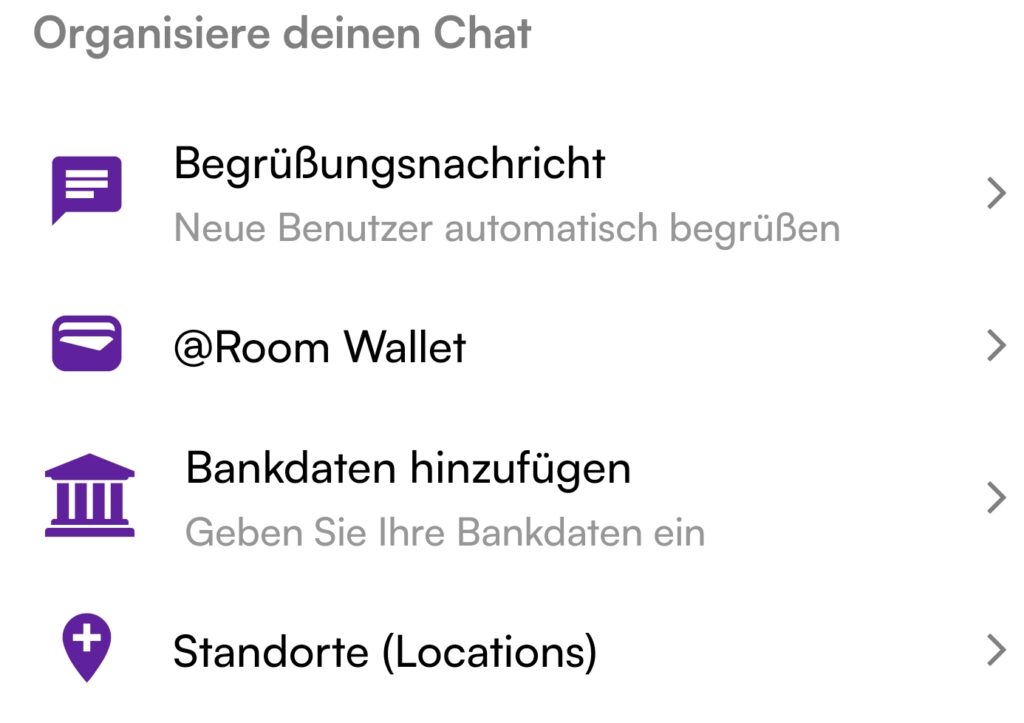
Party Sharing App room settings step 1 interface showing event room details and access configuration
Party Sharing App room settings configuration screen showing party room privacy and media control options
Party Sharing App room settings interface displaying event room configuration and sharing permissions
Party Sharing App Room feature showing interactive shared event gallery and attendee photo stream

The @Room

Stay Closer to Your Artist

Your Space. Your Community.

Your community comes to life in the @Room. Fans, artists, promoters and venues come together here – all in one place. Keep track of current and upcoming Events, Live Streams, announcements and special content.

Join interactive chats, discover photos, videos and direct insights, and experience together what is happening in your community.

Once you join an @Room, you automatically stay up to date – never miss an important announcement and stay closer to what is happening.

Public Events

For Promoters

Organizing an Event? Make more of it – during the Event and beyond. With PSA, you connect visitors directly with your Event, provide professional media and exclusive insights, keep your community informed with important updates and actively involve participants through Live Chats and the PSA Share Gallery.

The experience remains alive even after the Event. Share special content, stay connected with your community and use additional revenue opportunities around your media and the PSA Share Gallery. This extends the impact of your Event and creates real added value – for your visitors and for you as the promoter.

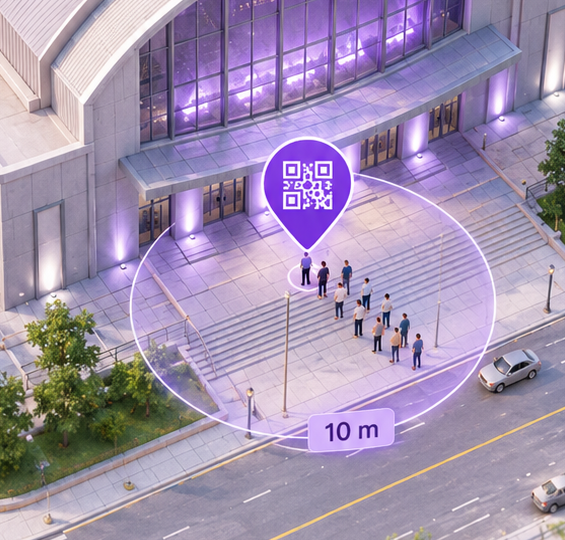
Party Sharing App QR code check-in point graphic illustrating geofenced venue entry for a public event
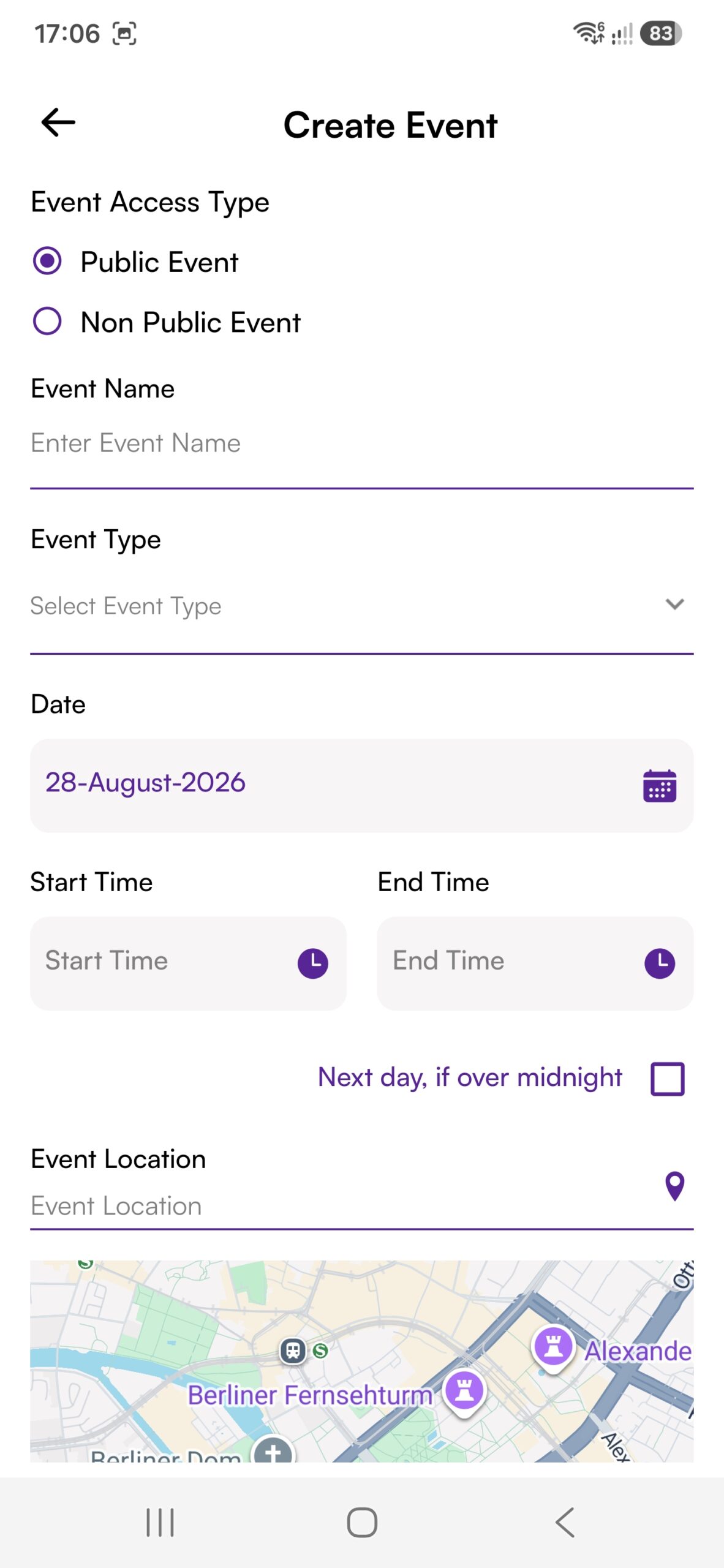
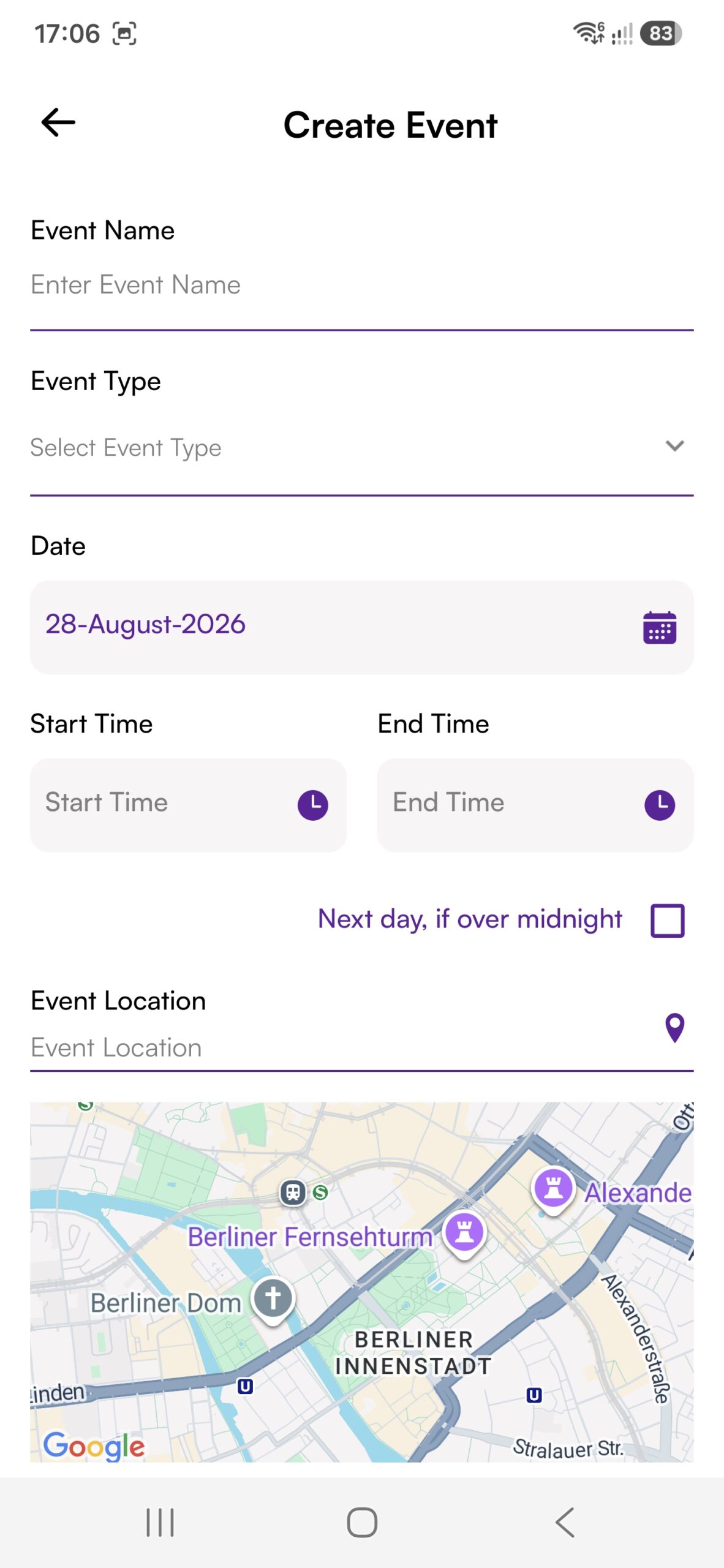
Party Sharing App mobile UI showing create public event form with ticketing GPS location and category settings
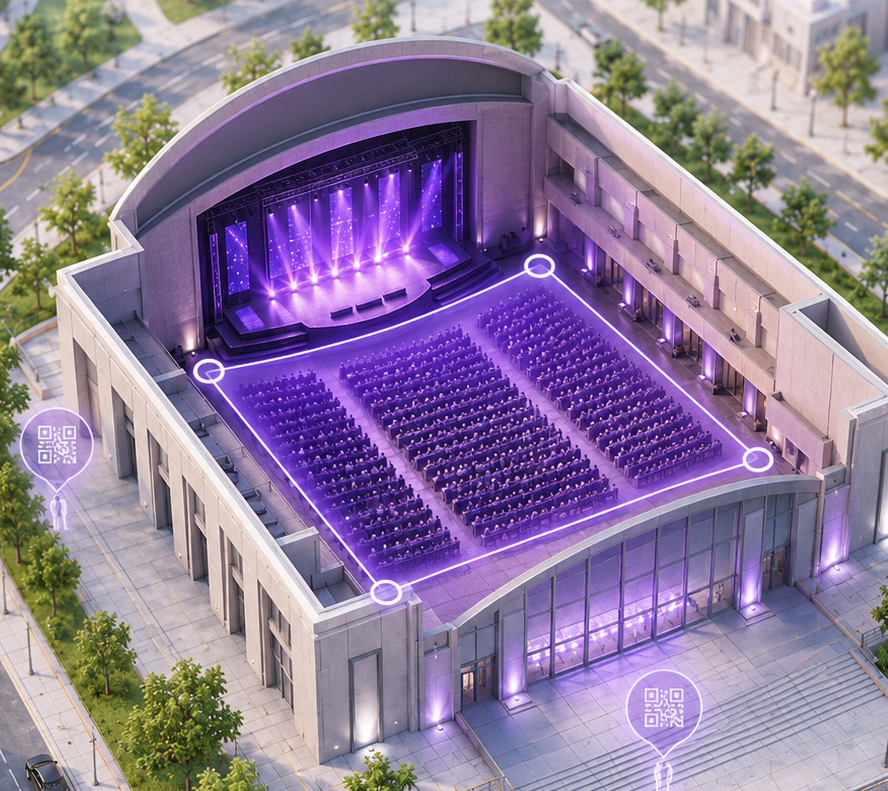
3D architectural cutaway model of a concert hall with purple geofenced event area and QR check-in points
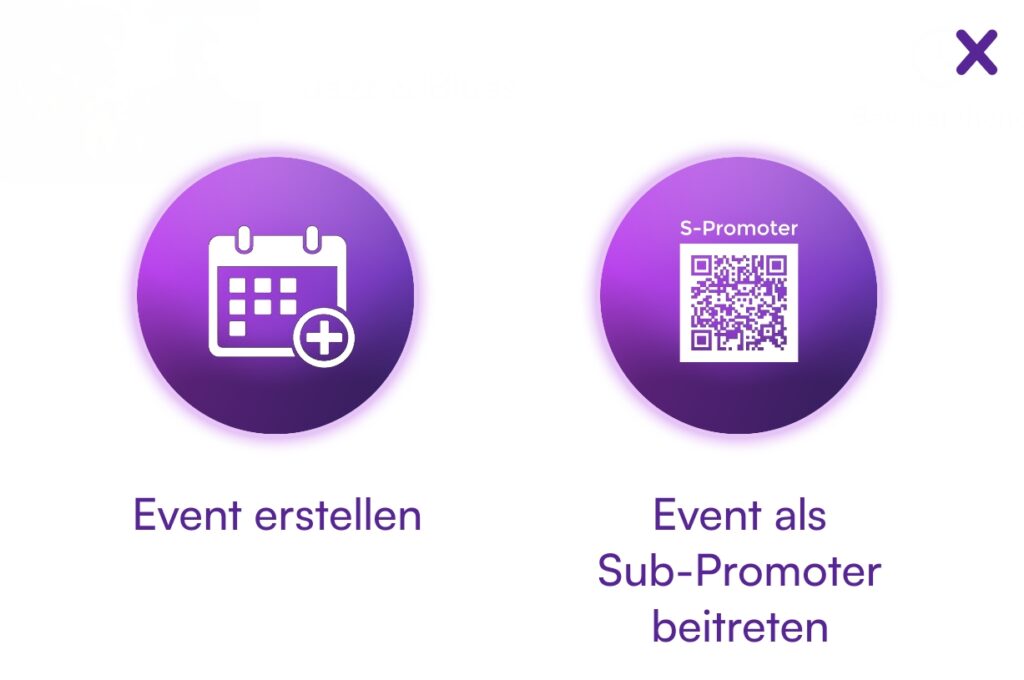
Party Sharing App event creation menu showing Event erstellen and Event als Sub-Promoter beitreten options
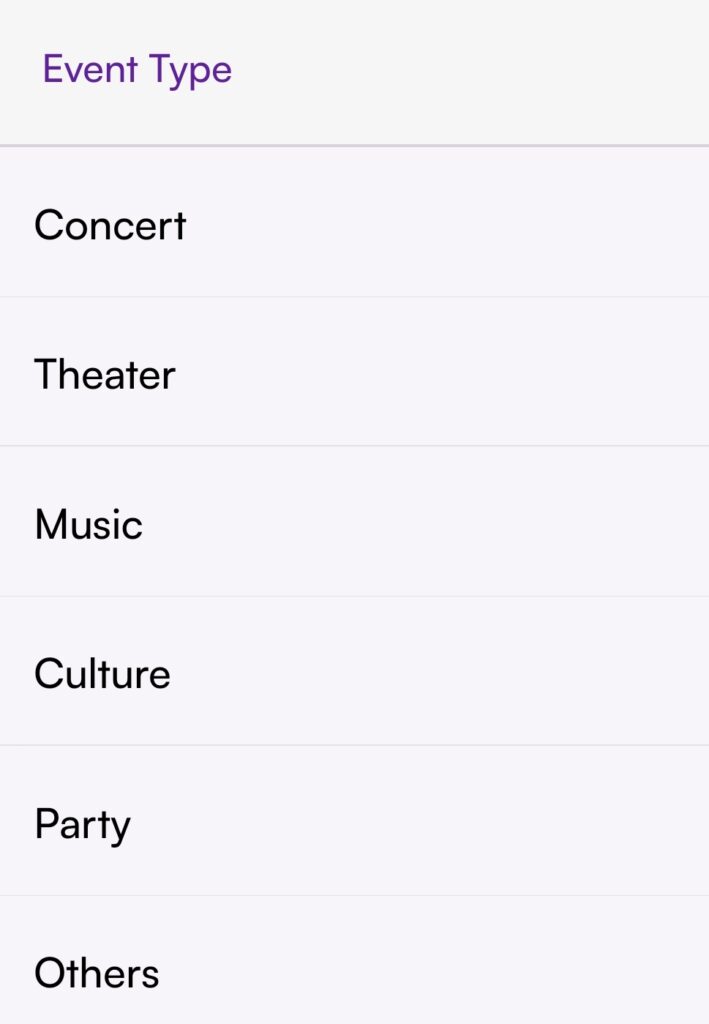
Party Sharing App public event category selection screen showing event type options for public gatherings and concerts

Private Events

For You, Your Family & Friends

Planning a wedding, birthday, family celebration or private party? With PSA, you create your own Event, invite your guests and bring your shared photos, videos and memories together in one place. If you wish, invite a photographer to your Event as well and make professional media directly available to your guests.

With the 1-Click-Family-Event, you can stay close to your family and their special moments even when you cannot be there in person. Experience the celebration almost as if you were there, share the moment with your loved ones and stay close to your family wherever you are.

Party Sharing App mobile UI showing private event creation flow with date location and guest settings
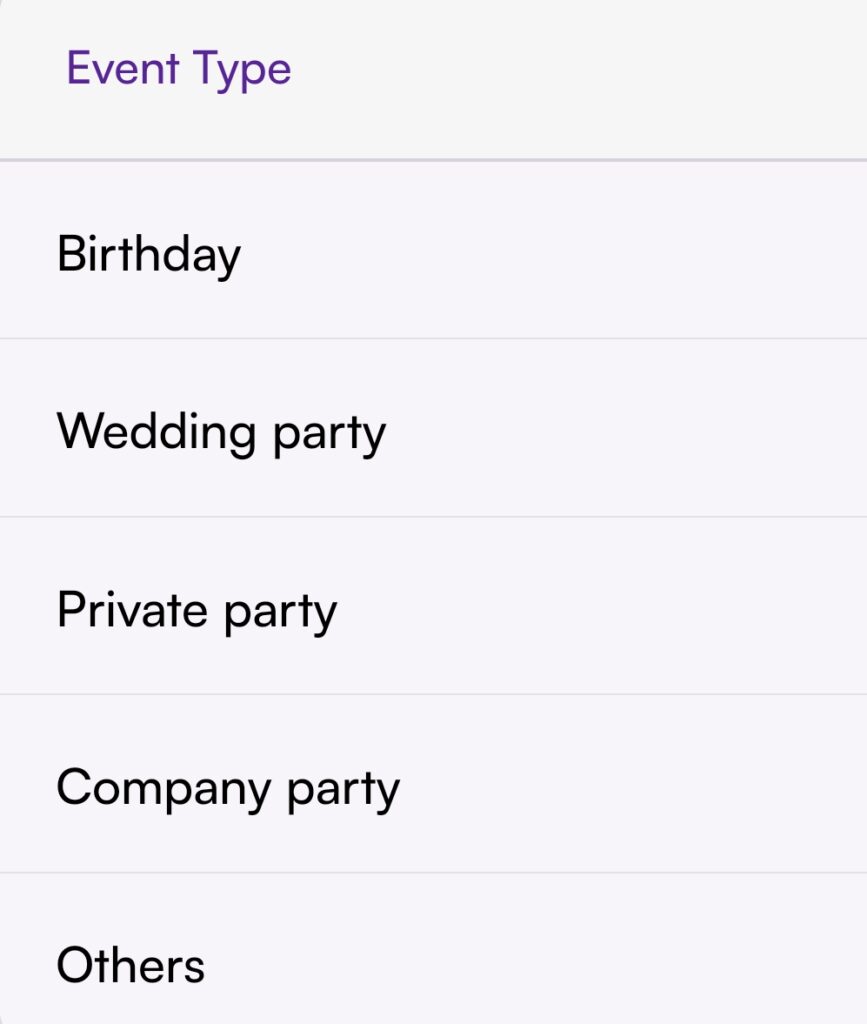
Party Sharing App private event types selection screen listing Birthday Wedding party Private party Company party and Others
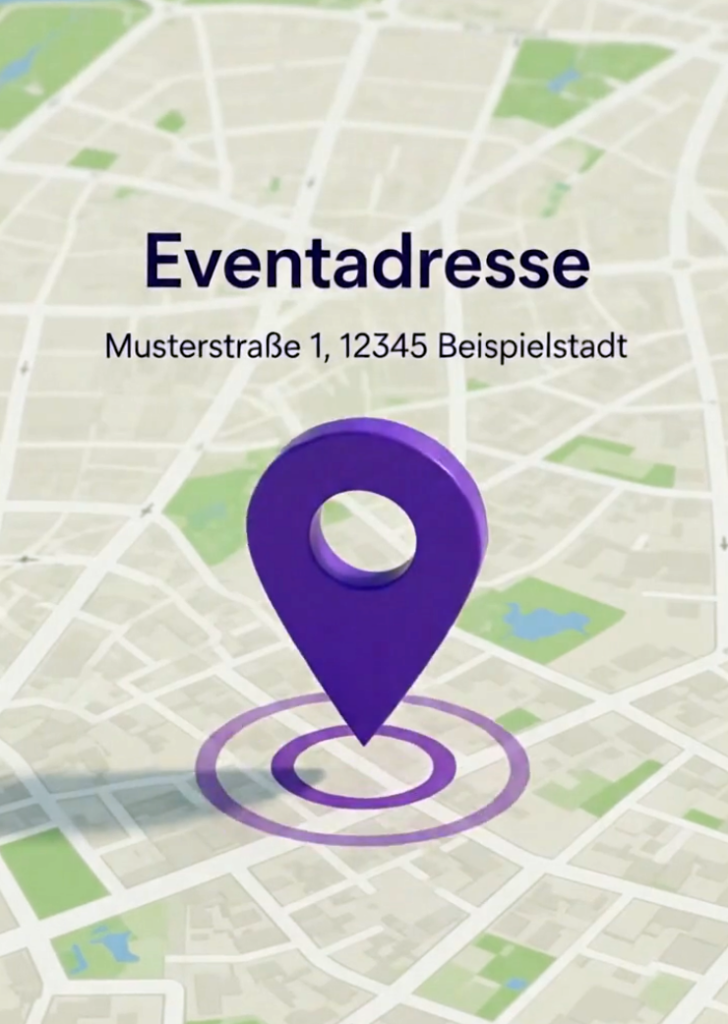
Party Sharing App event address and check-in location pin map graphic
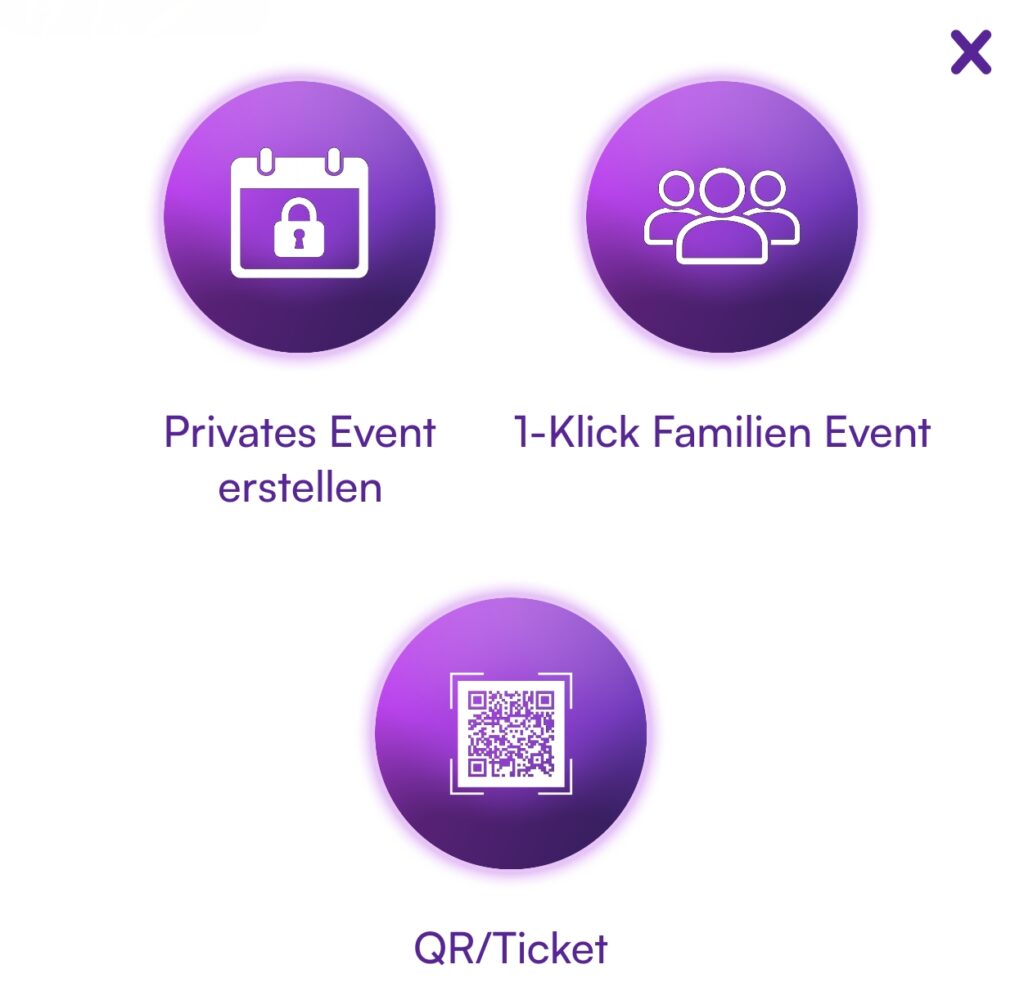
Party Sharing App event creation menu showing Privates Event erstellen, 1-Klick Familien Event, and QR Ticket options

The PSA Community

Everyone Connected

With Party Sharing App, we bring artists, promoters and participants together in one shared community.

Connect with your favorite artists and promoters, discover exclusive media content and get closer than ever before. With features such as the @Room, you will not miss important announcements and can stay close to the action. Do not just watch Events from the sidelines – become part of them, right in the middle of the moments that matter.

Share your experiences and become part of an active community built around Events, artists and a shared passion for live experiences. This creates special memories and genuine connections between artists, promoters and fans.

Party Sharing App community feature showcase illustrating user connection and live event interaction

Questions?

Ask PiA, our PSA Intelligent Assistant. PiA is here to help you directly and answers many questions about the Party Sharing App. You can also find more information in our FAQ.

Would you like to contact us personally? Simply use the contact form. We will get back to you as soon as possible.

Kontakt aufnehmen

Du kannst auch PiA fragen oder uns direkt eine Email schreiben.

How to Get Started with PSA

1. Open PSA

Open Party Sharing App directly or through an Event QR Code or Event Link. If the App is not yet installed, you will automatically be taken to the App Store or Google Play.

2. Explore First

Start in Guest Mode, discover public areas, browse the Demo Gallery and get to know PSA through our tutorials - all without registering.

3. Join an Event

Scan a QR Code, open an Event Link or find your Event directly in the App. If PSA was opened through an Event Link or QR Code, the App automatically recognizes the Event context - there is no need to scan again.

4. Get Started

Confirm that you want to join the Event and sign in with a supported Social Login only if the function you want to use requires an Account. You can then access the content and functions available to you.

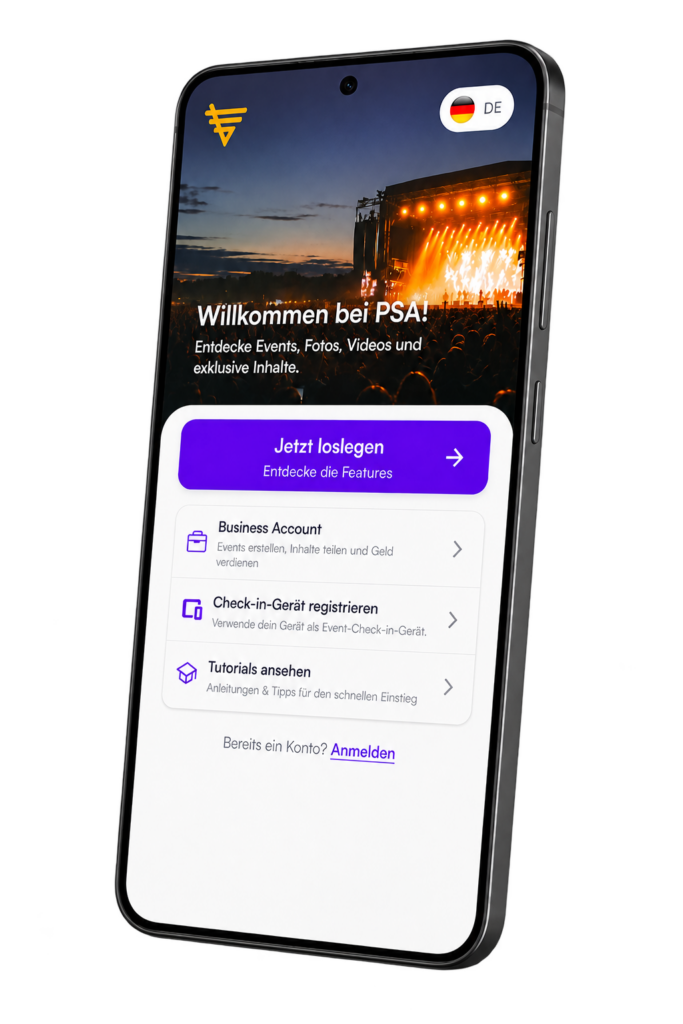
Party Sharing App welcome screen displaying guest mode onboarding and instant room joining options

Interactive Chat Rooms for Your Event

Party Sharing App provides Chat Rooms where participants can stay connected with each other during an Event and receive important information directly.

  • Exchange & Connection: Communicate with other participants, share your experiences and stay right in the middle of the action. 

  • Flexible Communication: Depending on the Event, participants can message each other or the promoter can use the Chat specifically for information and announcements. 

  • Strengthen the Community: Chat Rooms complement the Event experience and bring participants and the community closer together.

  • Live Stream Chats: Where Live Streams are available, promoters or artists can communicate directly with their community, answer questions and respond to reactions immediately.

  • Interactive Polls: Polls and surveys can involve the community directly and provide valuable feedback.

Benefits for Users:

  1. Direct Exchange: Stay connected with other participants.

  2. Important Information: Receive updates and notices directly from the promoter.

  3. Everything Around Your Event: Communication and information stay directly connected to your Event.

✓

Thank you!

We have received your message and will get back to you as soon as possible.

✓

Vielen Dank!

Wir haben Ihre Nachricht erhalten und melden uns schnellstmöglich bei Ihnen zurück.