








Private Party in a New Way

Plan and celebrate birthdays, family gatherings or weddings with ease. Share special memories, photos and videos with your family and friends – without the technical hassle.

Multi-generational happy family enjoying outdoor dinner meal celebration together at rustic dining table
Group of smiling friends enjoying outdoor garden barbecue grill party and drinks at night
Bride and groom dancing at luxury wedding reception hall surrounded by cheering guests

Your Benefits as a Host

Private & Secure

Only invited guests can see your content.

Share Media

Photos, videos & memories together in one place.

Private Chat Rooms

Plan your Event and coordinate everything important directly in the Chat.

Less Chaos. More Celebrating.

Make your celebration a success – without endless back-and-forth, without photos scattered across countless groups and without unnecessary organizational stress. With PSA, important information, guests and memories are all in one place. Shared Galleries and Private Chat Rooms make planning, communication and sharing simple.

Whether it is a birthday, garden party, wedding or family gathering, organizing, celebrating and enjoying the moment together has never been this easy.

Download the App and get started right away!

1-Click-Family-Event

Create your Family Event with just one click and bring your loved ones together with ease. No technical hassle. Simply invite, share and be part of it together.

Perfect for family celebrations, birthdays and special moments you want to share with each other without complications.

Create Event

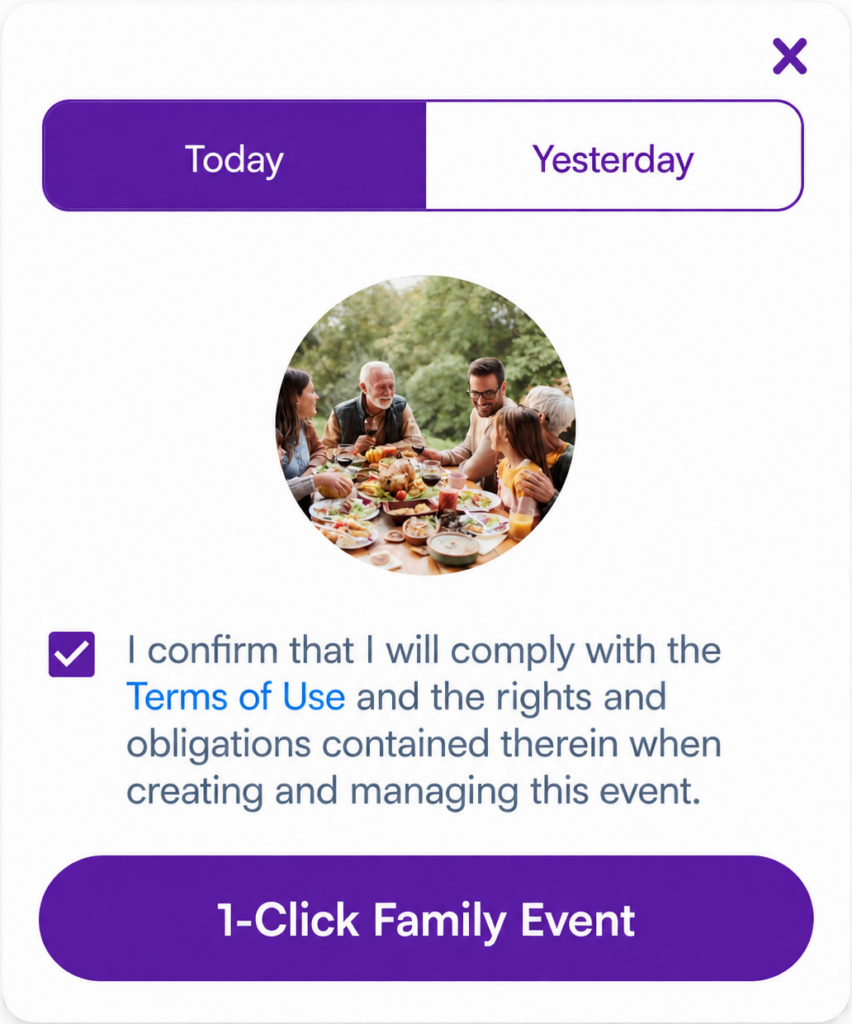
Select “1-Click-Family-Event” in the App.

Invite Guests

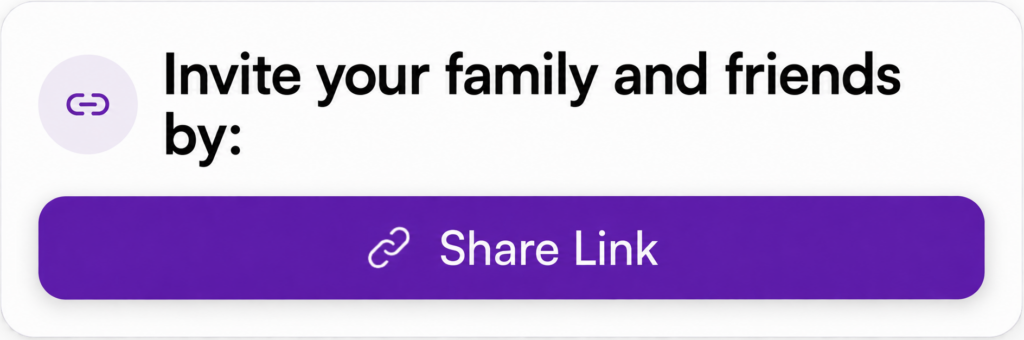
Open your contact list, select your guests and invite them directly to the Event.

Done!

Your guests receive the invitation and are taken directly to your Family Event.

Ideal for Every Generation

The 1-Click-Family-Event was developed specifically for families – including older relatives who do not want to spend much time dealing with technology or Apps.

No more searching through scattered photos, no extra groups and no complicated cloud folders or sharing links. In the Family Event Gallery, you can share photos and videos directly with each other, view them, stream videos and save special media to your device in high quality.

This means grandparents, aunts and uncles can easily take part in the Family Event, share their own memories and experience everyone else’s media. Even those who cannot be there in person can be invited to the Event and follow what is happening almost as if they were there themselves.

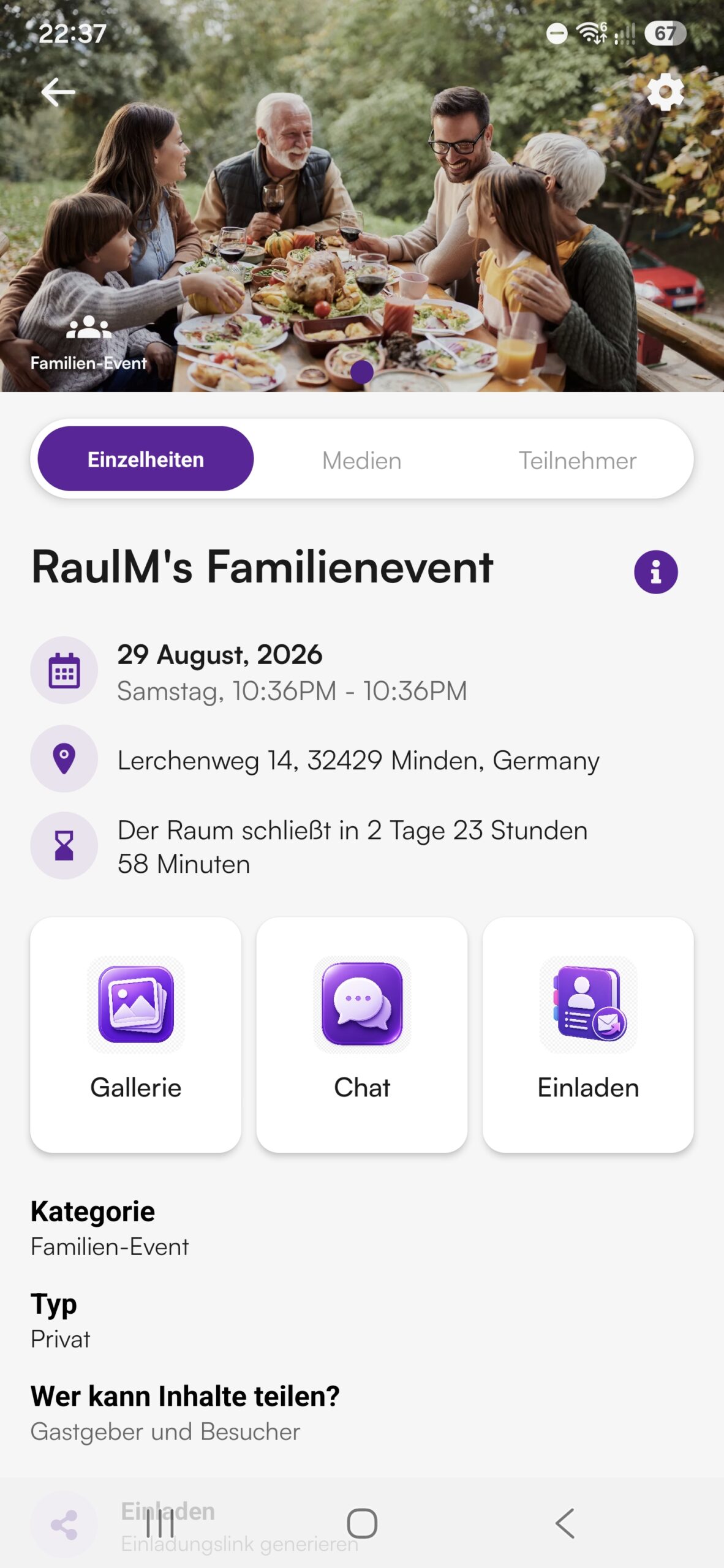
Party Sharing App mobile event interface for RaulM's Familienevent showing date, location in Minden Germany, countdown, and gallery chat buttons
Party Sharing App 1-Click Family Event popup card with terms confirmation and date selection
Invite your family and friends by Share Link button banner UI card

Private Events

From Small to Large

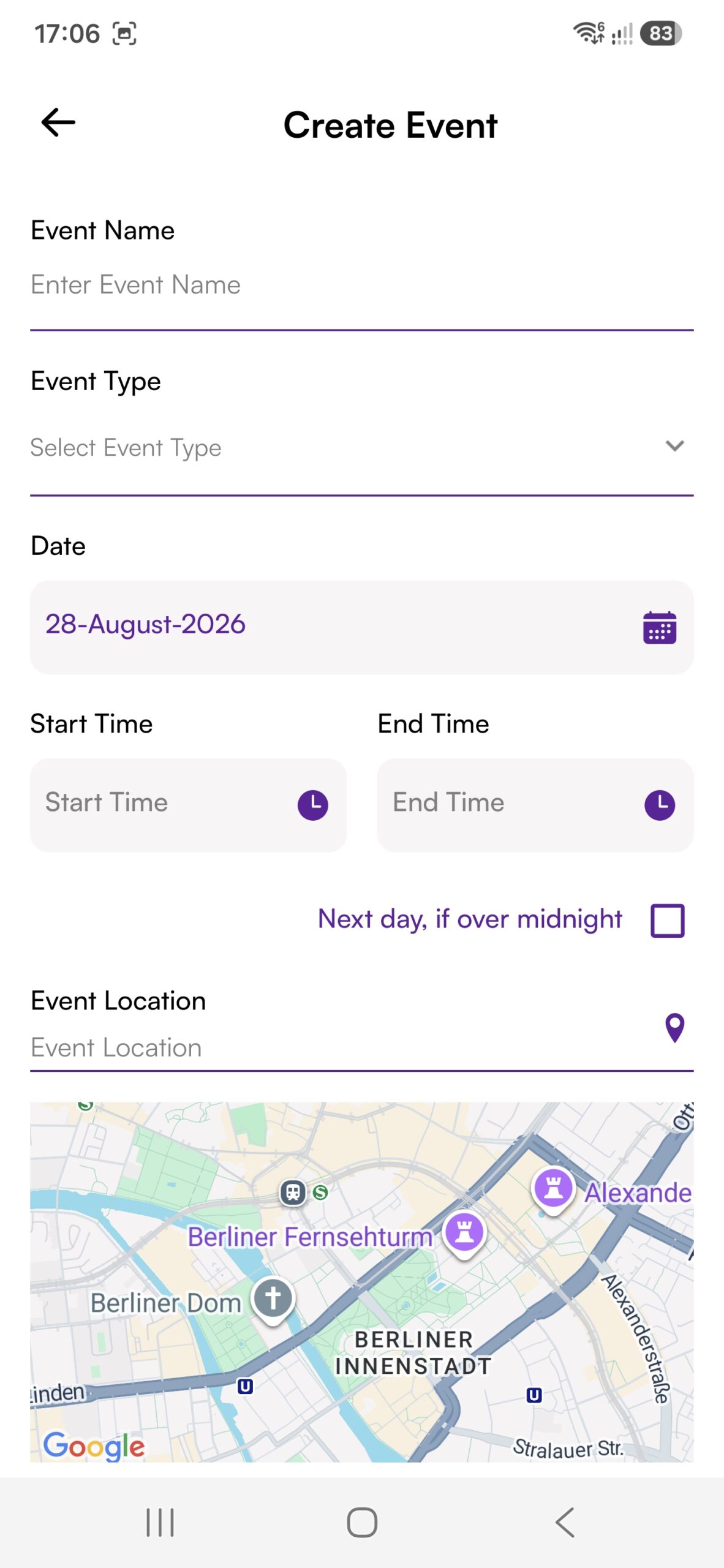
Plan your Event in advance, coordinate guests, friends and important details, keep everyone informed and make sure they stay up to date at all times.

Invite photographers, musicians or entertainers and let your guests experience special highlights and professional media directly.

Photos and videos can be shared very easily – similar to the way people are used to sharing through messenger apps. Instead of disappearing into individual chats, however, they are automatically collected in a clearly organized Event Gallery and arranged into Albums. Everyone can open the media, stream videos, Like content and download interesting photos or videos.

This means you no longer have to manage countless groups, messenger chats or contacts, while also avoiding unnecessary clutter in your smartphone gallery.

Party Sharing App mobile UI showing private event creation flow with date location and guest settings
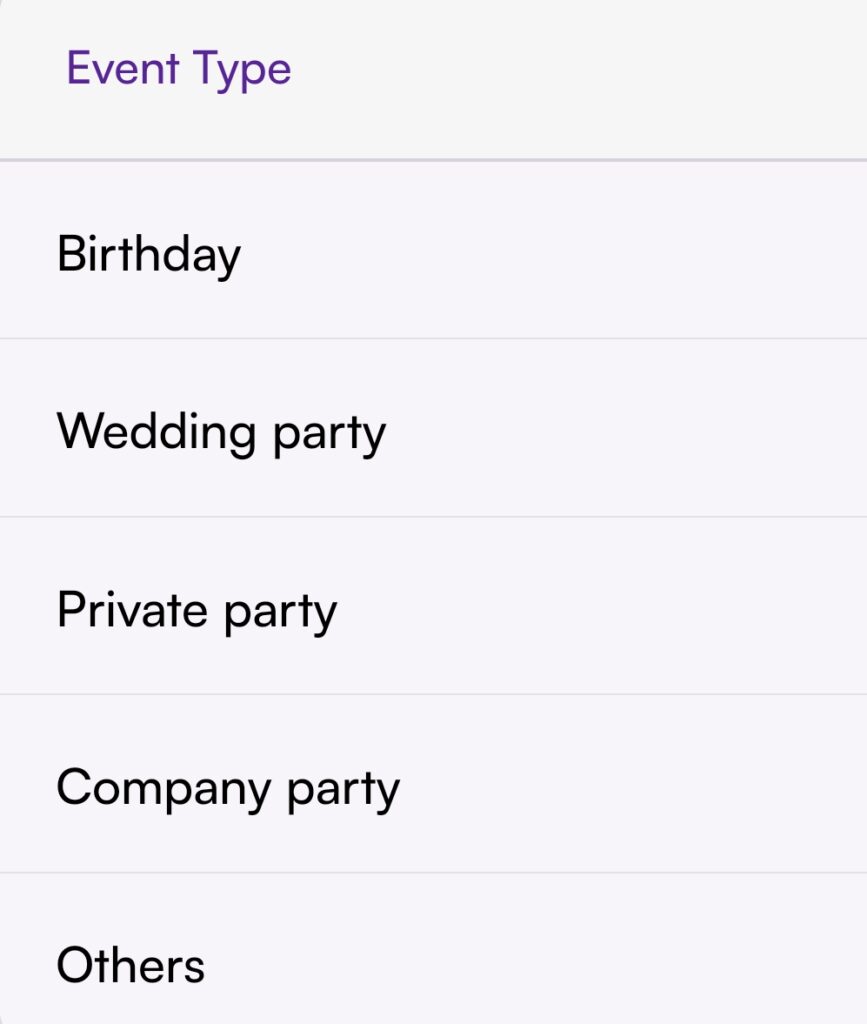
Party Sharing App private event types selection screen listing Birthday Wedding party Private party Company party and Others
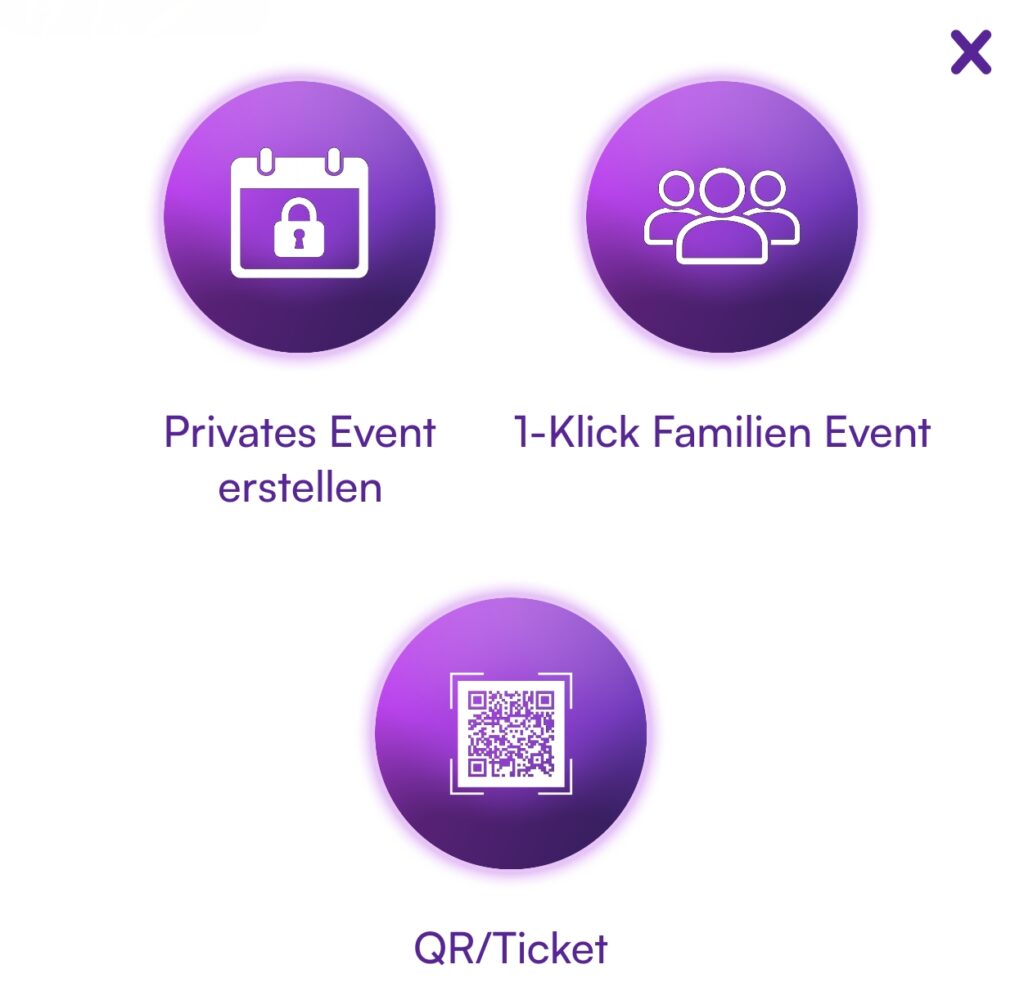
Party Sharing App event creation menu showing Privates Event erstellen, 1-Klick Familien Event, and QR Ticket options

Questions?

Ask PiA, our PSA Intelligent Assistant. PiA is here to help you directly and answers many questions about the Party Sharing App. You can also find more information in our FAQ.

Would you like to contact us personally? Simply use the contact form. We will get back to you as soon as possible.

✓

Thank you!

We have received your message and will get back to you as soon as possible.

Contact Form

You can also ask PiA or email us directly.