


Make More of Your Events

Offer exclusive content, create additional revenue opportunities, and use PSA simply, directly, and professionally.

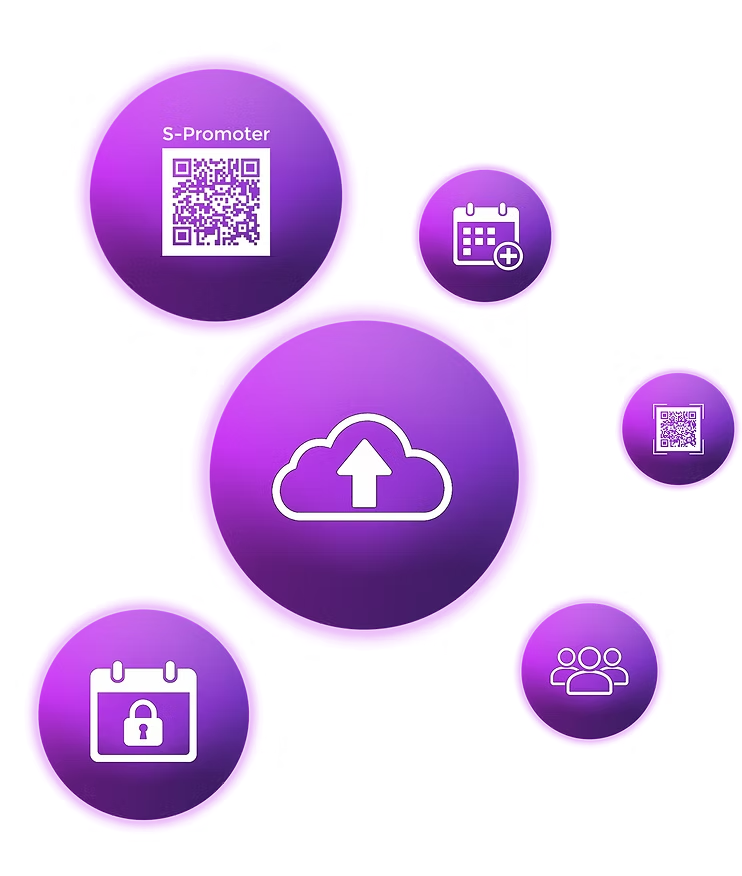
Purple circular icons illustrating PSA party sharing app features including cloud upload, QR code scanner, schedule, and guest access

Monetization & Additional Revenue

Make more of your events – financially too.

Offer your visitors professional photos, videos, backstage material, and exclusive content directly through the PSA platform – simply, quickly, and without additional effort.

Involve artists and photographers and create additional revenue opportunities around the event with their content.

The PSA Share Gallery also creates an opportunity for passive revenue, while your participants become active themselves and share their best event photos and videos.

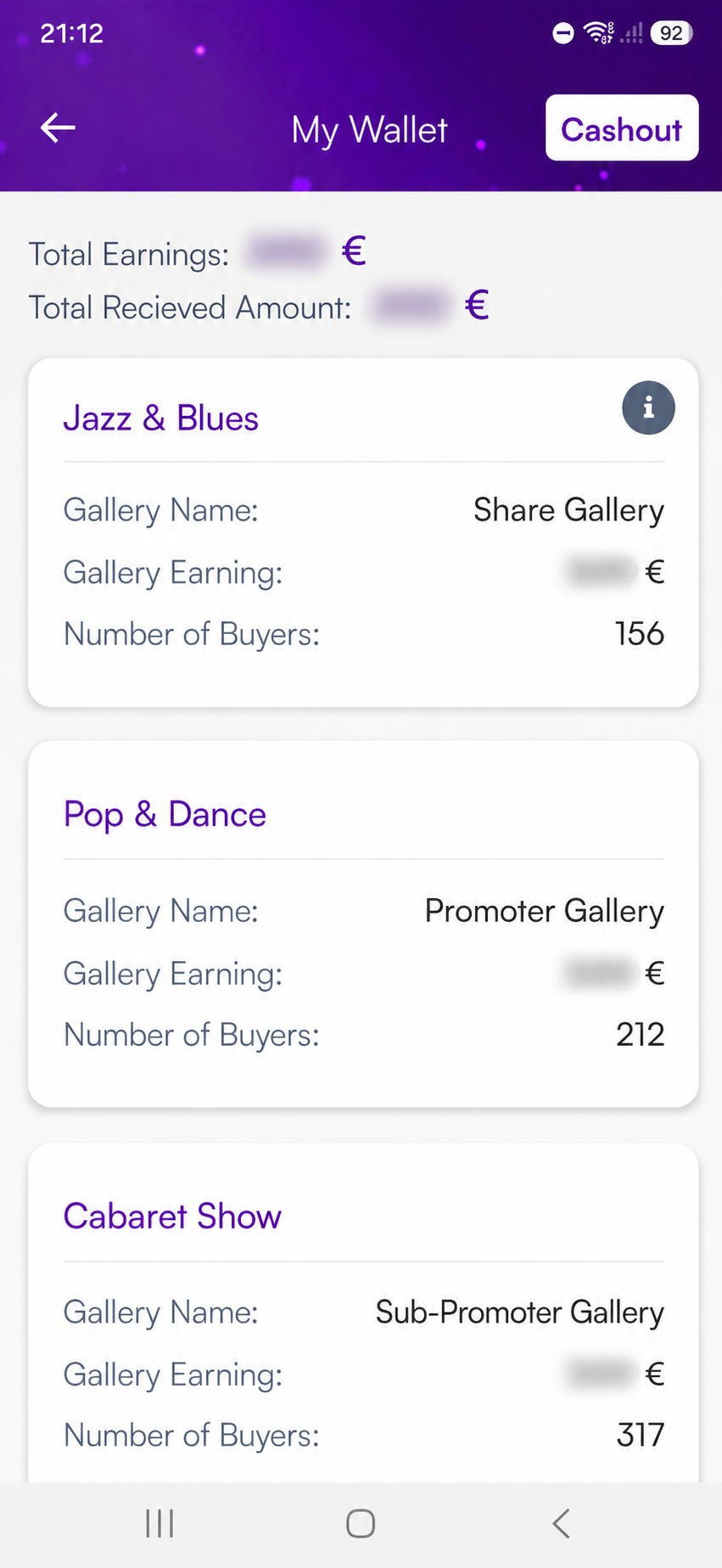
Mobile app My Wallet interface displaying total earnings, cashout option, and event gallery revenue
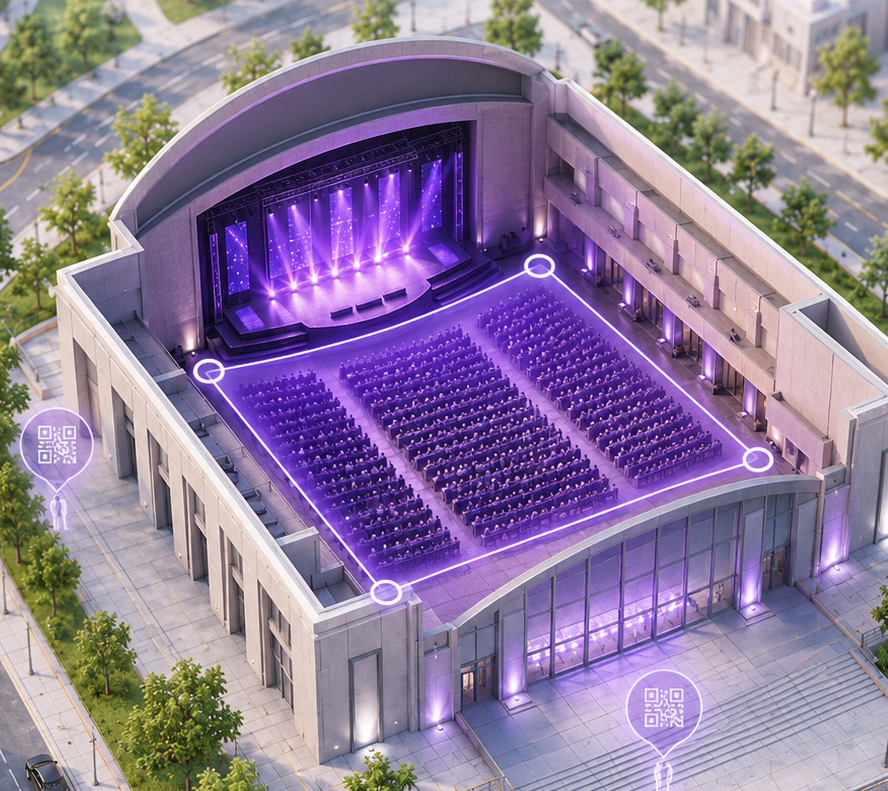
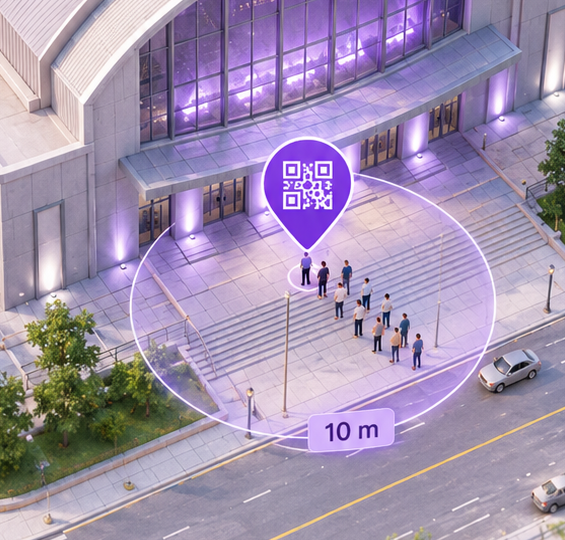
3D architectural cutaway model of a concert hall with purple geofenced event area and QR check-in points
Party Sharing App QR code check-in point graphic illustrating geofenced venue entry for a public event
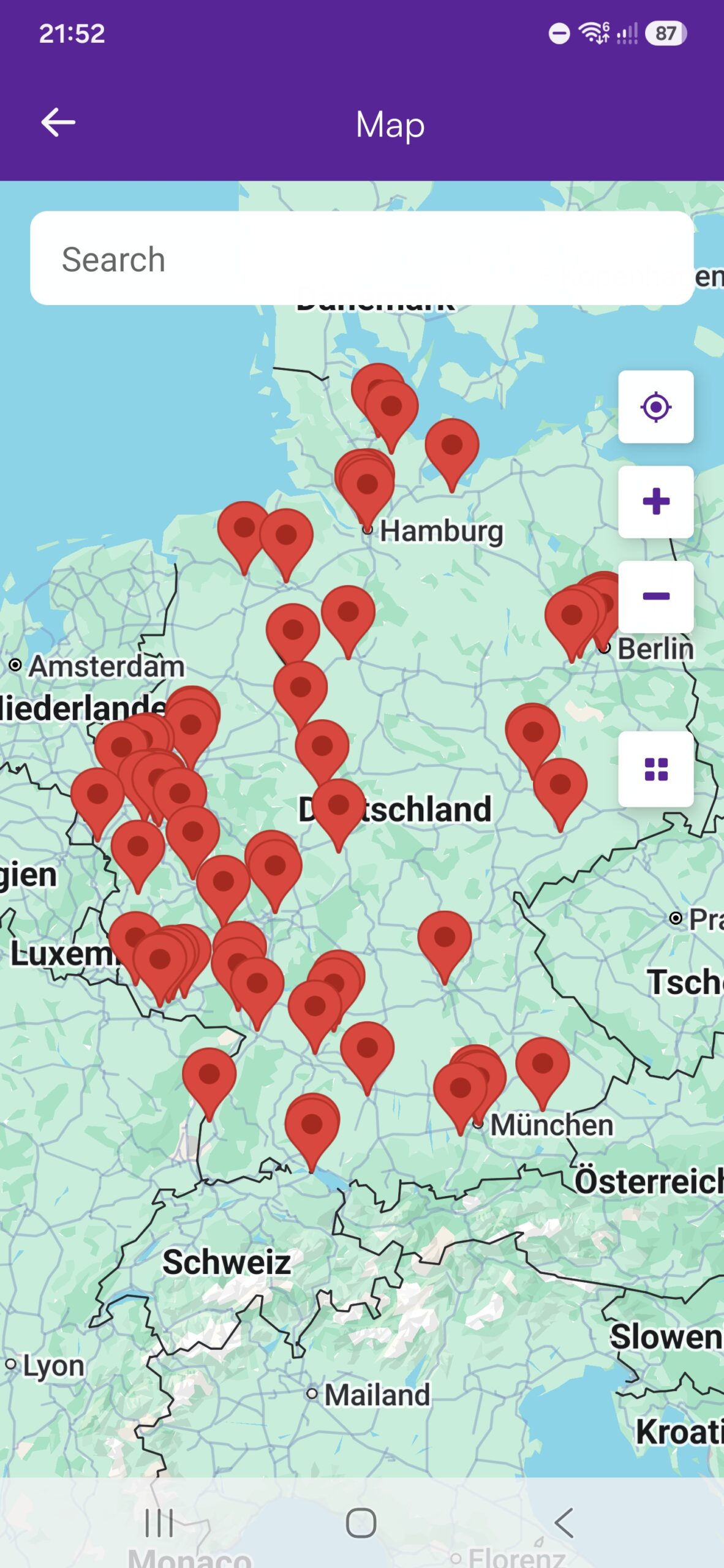
Mobile app interactive map view showing event venue location pins across Germany
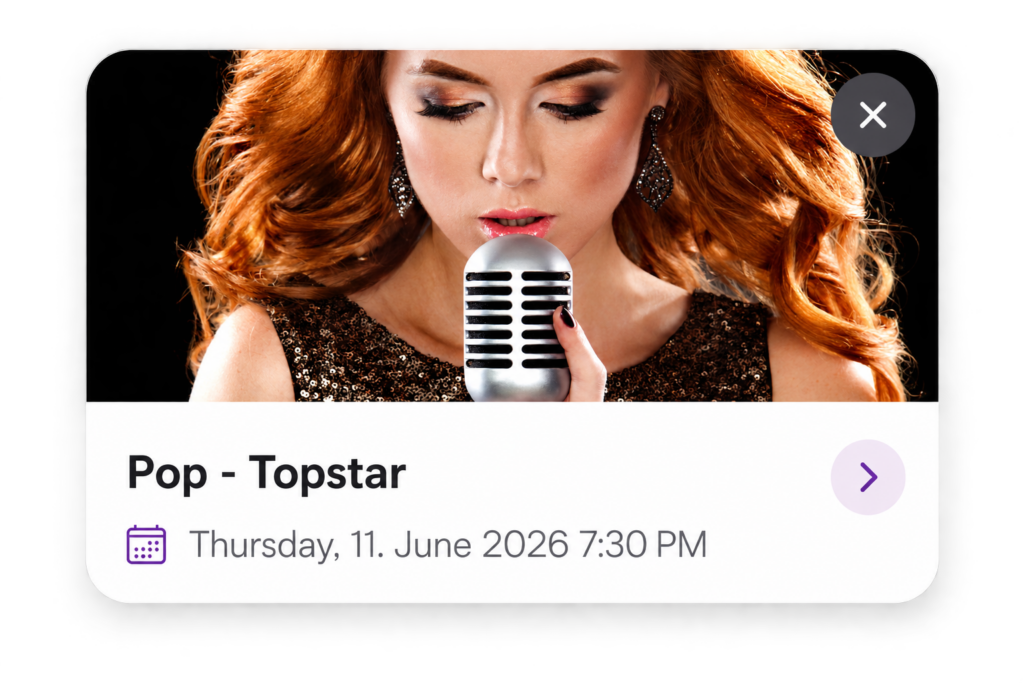
Pop Topstar live concert event promotion popup card with date and schedule details

Promotion & Reach

Stay visible – before, during, and after the event.

Through links and QR codes, your visitors can go directly to the event or @Room. This allows you to promote upcoming events, special content, and news while strategically expanding your reach.

Photos and videos are branded with your watermark, keeping your brand visible far beyond the event itself.

Through the @Room, you stay permanently connected with your community, publish announcements, photos, and videos, and receive direct feedback through chats, polls, and voting.

Your Benefits as a Promoter

Event Information & Updates

All important information is available directly in the Event Room – from times and location to the program, highlights, and current updates.

Direct Event Chats

Keep your participants informed about updates, answer questions, and communicate directly in the chat for each event. Use the chat for targeted announcements.

Innovative PSA Platform

New media is instantly available to your visitors – view, stream, like, share, and download without cloud links, complicated file transfers, or printed brochures.

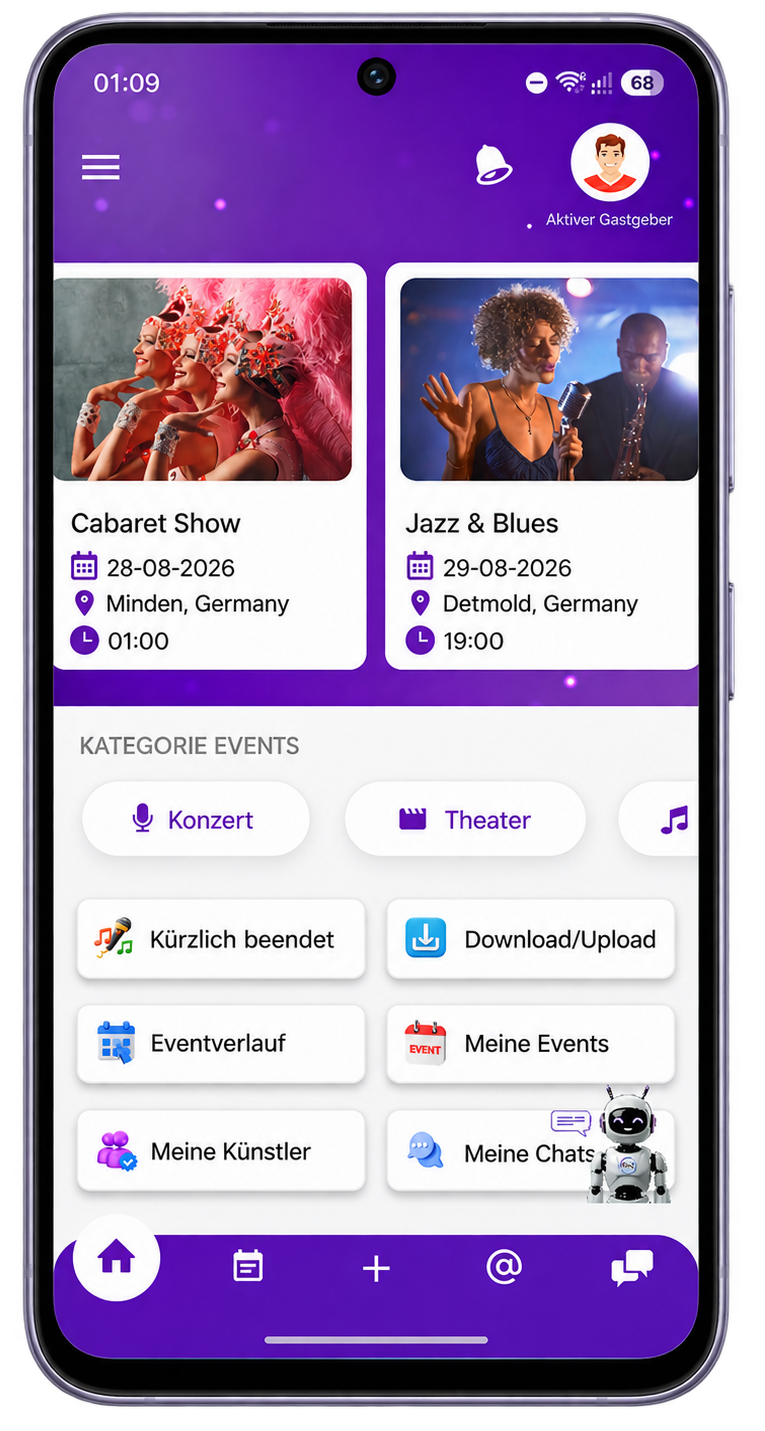
Party Sharing App mobile home screen showing key feature navigation, shared albums, and party access tools
@Room & Community

Stay permanently connected with your community, collect direct feedback, and actively involve your fans in future events through chats, polls, and voting.

Additional Passive Revenue

Use the PSA Share Gallery as an additional source of passive revenue while your participants share their own event content and take part in the Share Ranking.

Promoter Panel & PSA Studio

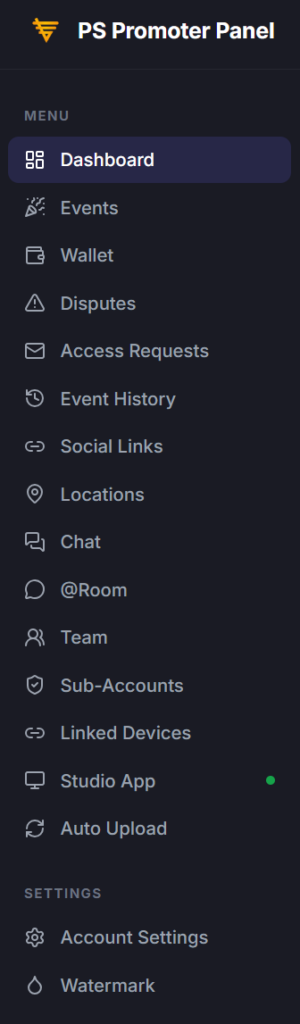
Promoter Panel and PSA Studio allow you to conveniently manage your events, galleries, and media directly from your PC. With Sub-Accounts, you can easily involve your employees in the management process.

PS Promoter Panel navigation sidebar displaying dashboard options including events wallet disputes and settings

Professional Event Management

Less Effort. More Control.

With the Promoter Panel, PSA Studio, and Sub-Accounts, you have professional tools that allow you to work conveniently from your PC without being tied to the app.

Keep multiple events, media, and organizational tasks clearly structured and assign responsibilities across larger teams – without losing oversight or control.

Promoter Panel

Web-based access to your Business Account – conveniently from your PC. Manage events, galleries, Wallet, settings, and other central account areas clearly and directly in your browser.

PSA Studio

Professional software for your PC and the entire media workflow. PSA Studio automatically optimizes and compresses media, applies watermarks, and uploads it quickly to the PSA platform in the best possible quality.

Sub-Accounts

Internal access for your employees with individually assigned permissions. Assign areas and functions, distribute tasks within your team, and get support with management without losing oversight or control.

PSA event promoter dashboard analytics showing total events, active sensors, participants, photos, and earnings

Questions?

Ask PiA, our PSA Intelligent Assistant. PiA is here to help you directly and answers many questions about the Party Sharing App. You can also find more information in our FAQ.

Would you like to contact us personally? Simply use the contact form. We will get back to you as soon as possible.

✓

Thank you!

We have received your message and will get back to you as soon as possible.

Contact Form

You can also ask PiA or email us directly.